Yes—updates are straightforward. Use the drag-and-drop builder to edit fields, add sections, and keep forms organized with templates and version control so your team always uses the latest version. Or share you forms with our team that can nearly instantly convert in a Bloowatch form.
Waiver App for Watersports & Adventure Activities
Fast, paperless, and secure digital waivers built for dive and watersports operators. Create smart forms, capture e-signatures on any device, and keep every waiver linked to bookings, rentals, and guest profiles—so check-in stays quick and compliance stays tight.
Waivers shouldn’t slow check-in or create risk.
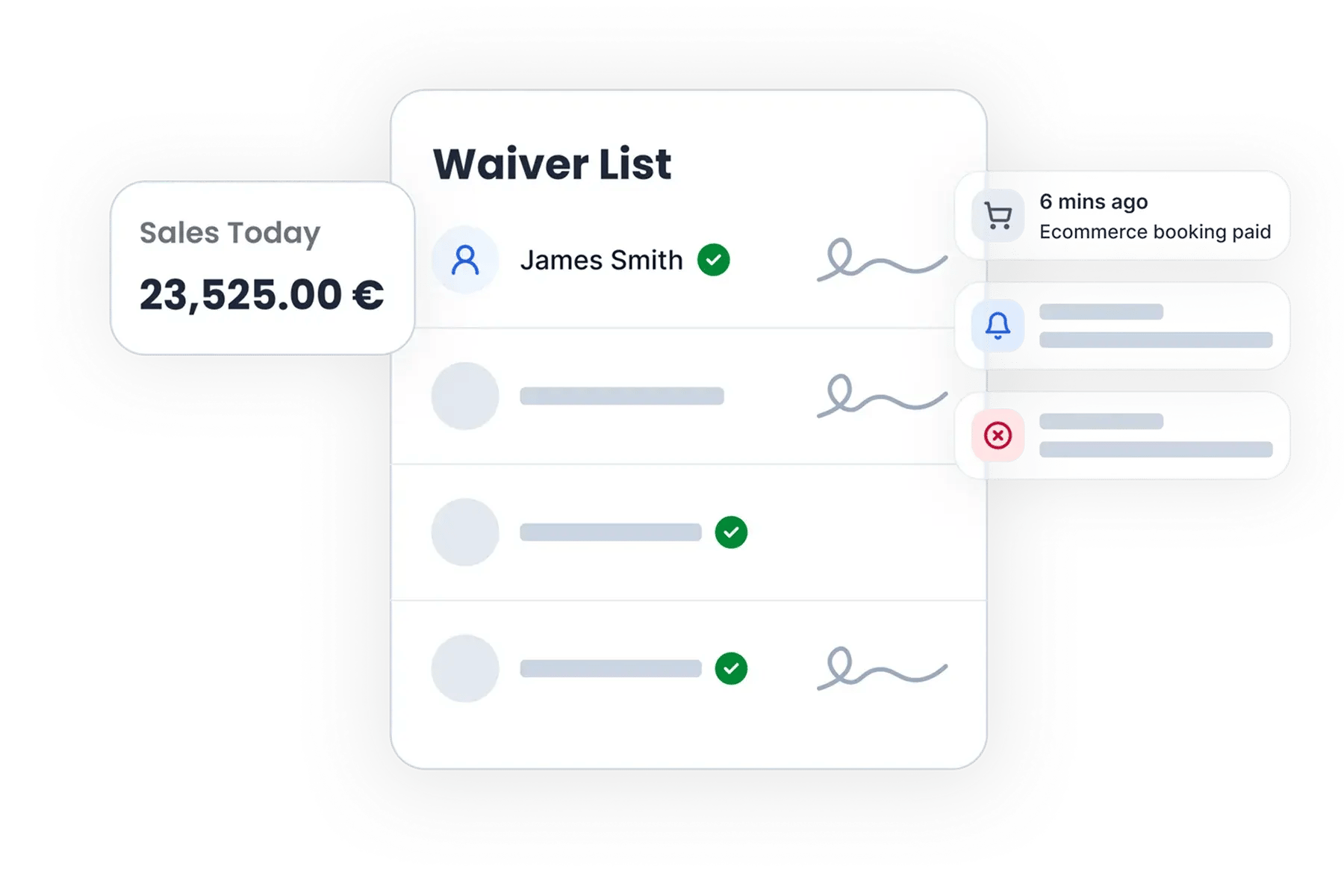
Paper waivers, static PDFs, and scattered forms lead to missing signatures, incomplete medical info, and last-minute confusion. Keep forms, signatures, and required documents in one place so your team can see—at a glance—who’s ready to start.
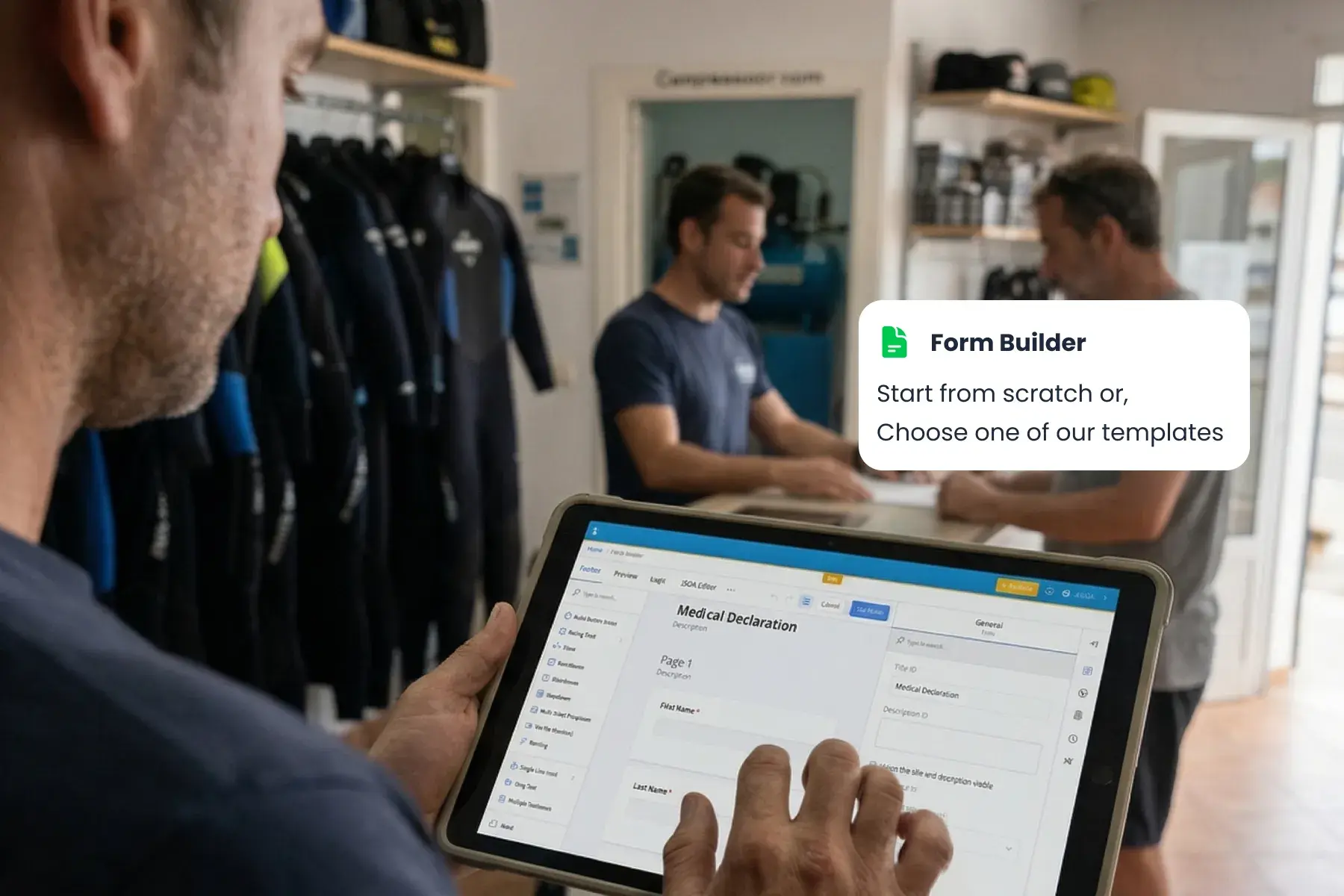
Smart Waiver & Form Builder
Build dynamic waivers and forms that adapt to each guest, activity, and scenario—so you always collect the right information (and nothing you don’t).
Sign Anywhere - Link, QR, or On-Site
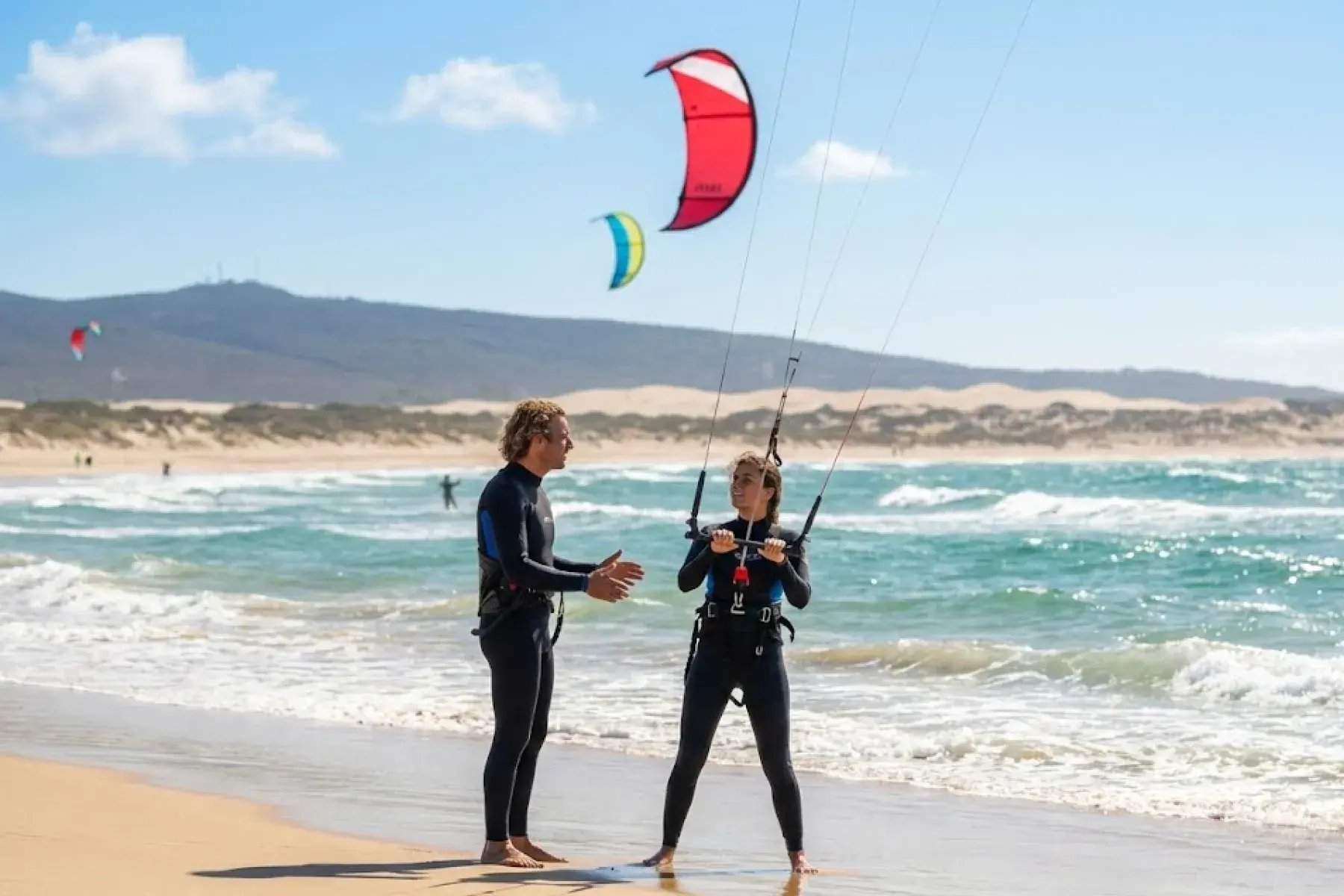
Let guests complete waivers on their own phone—or hand them a tablet at reception. No printing. No scanning. No chasing signatures.
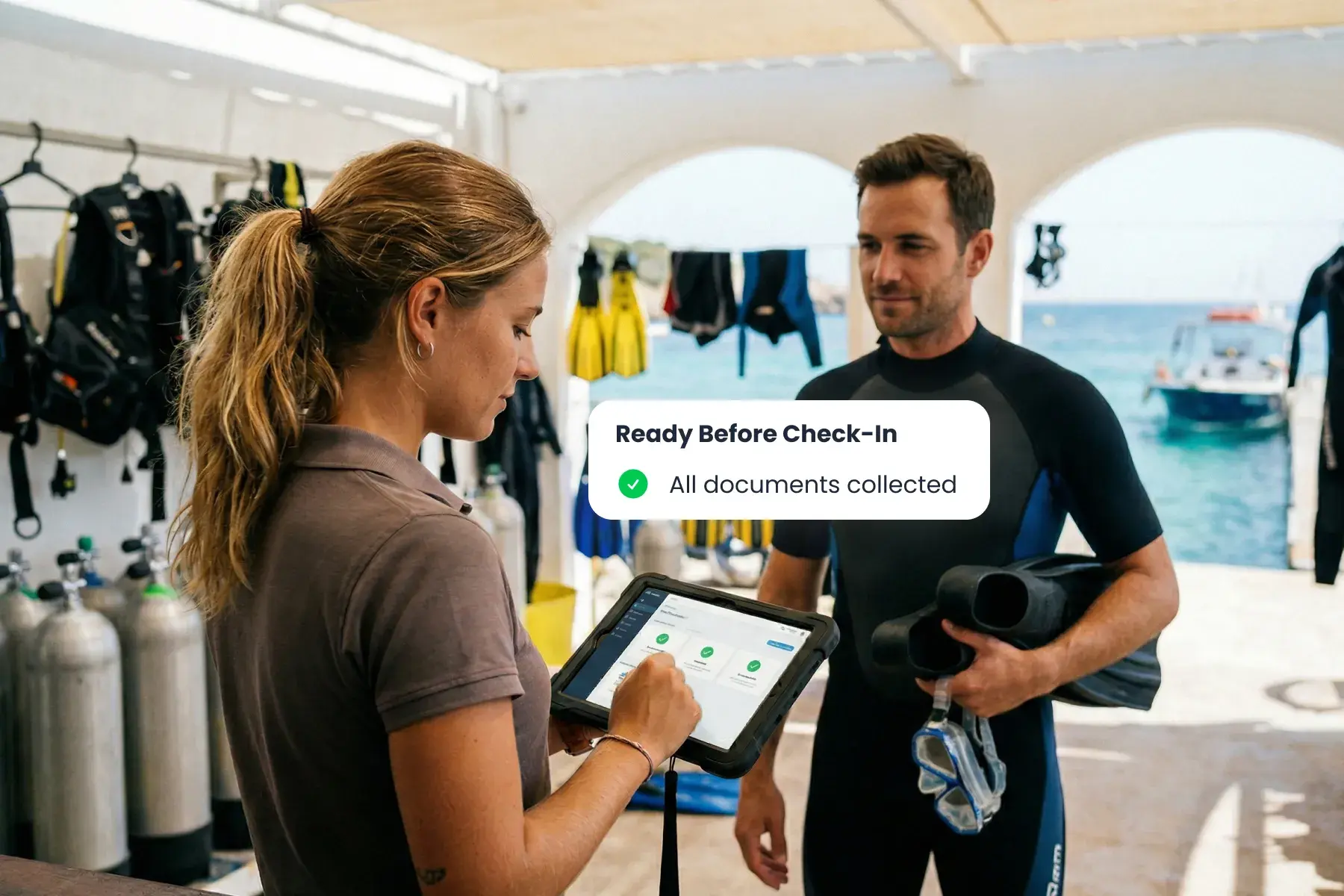
All Guest Details & Documents, Ready Before Check-In
Collect signatures, required info, and supporting documents in one flow—then keep everything attached to the booking and the client profile so your team can verify readiness in seconds.
More Speed. More Confidence. Less Admin.
Cleaner records
Fewer missing fields & documents
Faster check-in
Clear ready-to-start status
Waivers linked to bookings & profile
Frequently Asked Questions
Can guests complete and sign waivers online before they arrive?
Yes. Send a link in your confirmation flow or embed the form on your website so guests can sign ahead of time. Your team can see completion status instantly and avoid last-minute paperwork at check-in.
How can we share waivers—link, QR code, or embedded on our website?
Yes—all three. Use a shareable link for pre-arrival signing, print a QR code for walk-ins, or embed the form directly on your site to keep guests in your branded booking journey.
Does it work on mobile phones and tablets for on-site check-in?
Yes. Guests can sign on mobile, tablet, or desktop—ideal for reception, beach check-in, or dockside departures. No printing or scanning needed.
How quickly can we create and update waivers or check-in forms?
Can the form ask conditional questions and validate required fields?
Yes. Use conditional logic to show the right questions based on activity, guest type, or scenario, and apply validation rules so submissions aren’t missing key details or to avoid clients to book the wrong product.
Can we use different waivers for different services we sell?
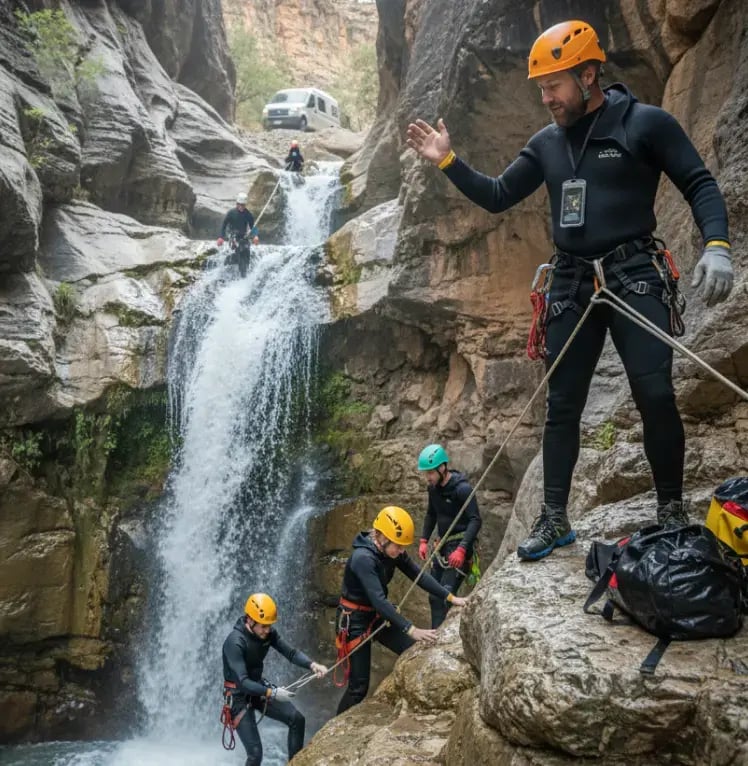
Yes. Create separate forms per activity and adapt them by scenario (lesson vs. rental, beginner vs. advanced, adult vs. youth) so each guest signs the right waiver for what they’re actually doing.
Can we collect supporting documents like ID, certifications, or medical paperwork?
Yes. Add secure upload steps to your waiver flow (ID, certifications, medical documents, consent forms) and track what’s missing, valid, or expired—so staff can verify readiness fast.
How do staff track who’s ready—and retrieve signed waivers later if needed?
Waivers and documents stay linked to the booking, rental, and client profile so your team can confirm “ready-to-start” status in seconds. When you need it later, you can search, review, and export signed waivers without digging through paper files.
Make waivers effortless this season
Share forms with guests to collect data ahead of time—and give your team a clear ready-to-start status.
See Demo