Connect Viator, map your products, and set the sessions/capacity you want to sell. After setup, Viator bookings import into Bloowatch and your remaining availability stays up to date.
Channel Manager: Sell on OTAs with Real-Time Sync.
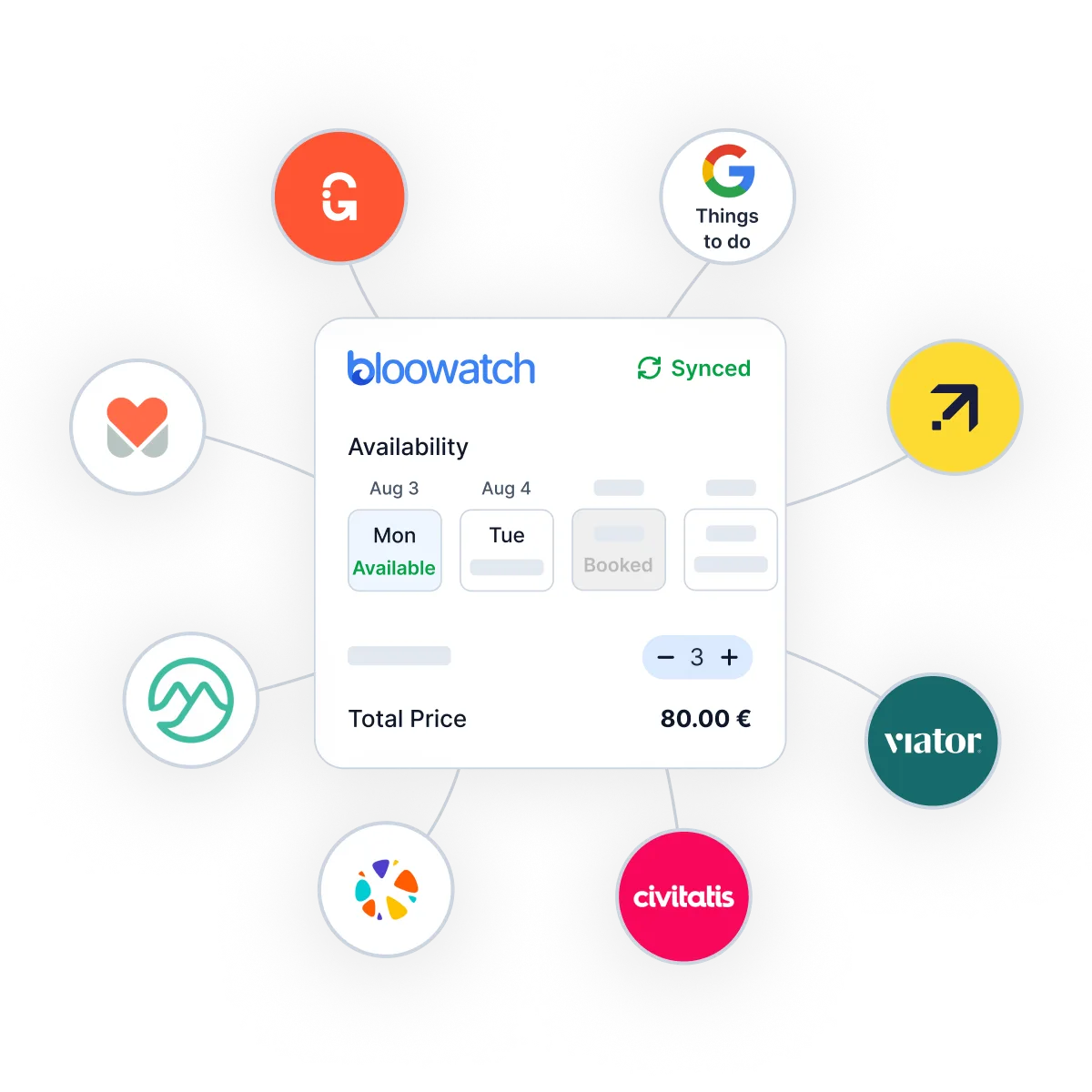
Bloowatch’s Activity OTA Channel Manager connects your live calendar to GetYourGuide, Viator, Expedia, Manawa, Google Things To Do, Civitatis, Musement, and more. Publish only the experiences you choose, keep capacity synced in real time, and auto-import OTA bookings into Bloowatch—so your website, POS, and agents stay aligned.
OTA growth breaks when calendars don’t sync
As marketplace bookings ramp up, manual updates lead to overbookings, surprise arrivals, and hours lost fixing conflicts. You need one source of truth—real-time availability sync between OTAs and your Bloowatch schedule.
One Central OTA Control Center
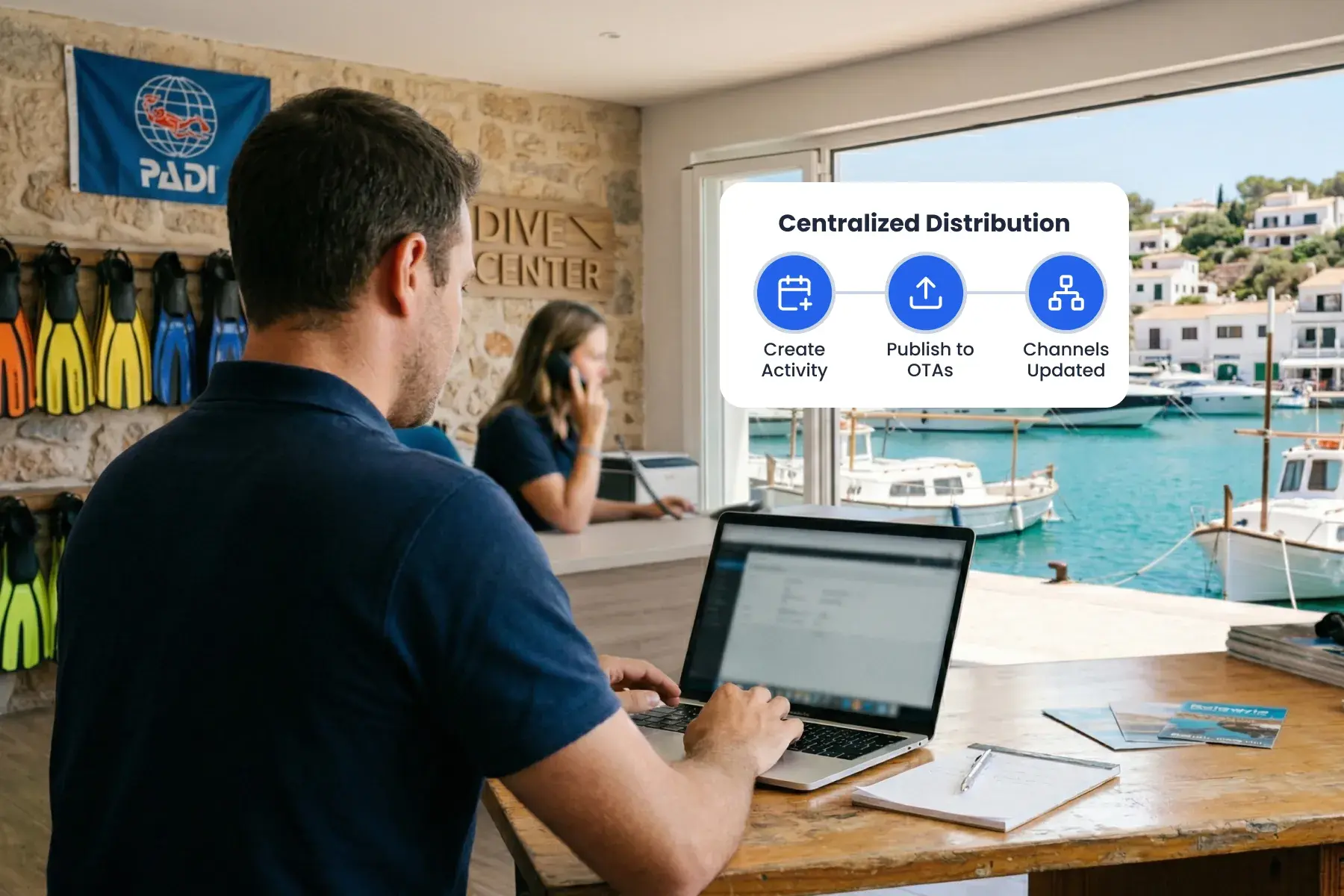
Publish to multiple OTAs from one place—so you’re not rebuilding the same activity in five different extranets.
Live Availability Sync Across Every Channel
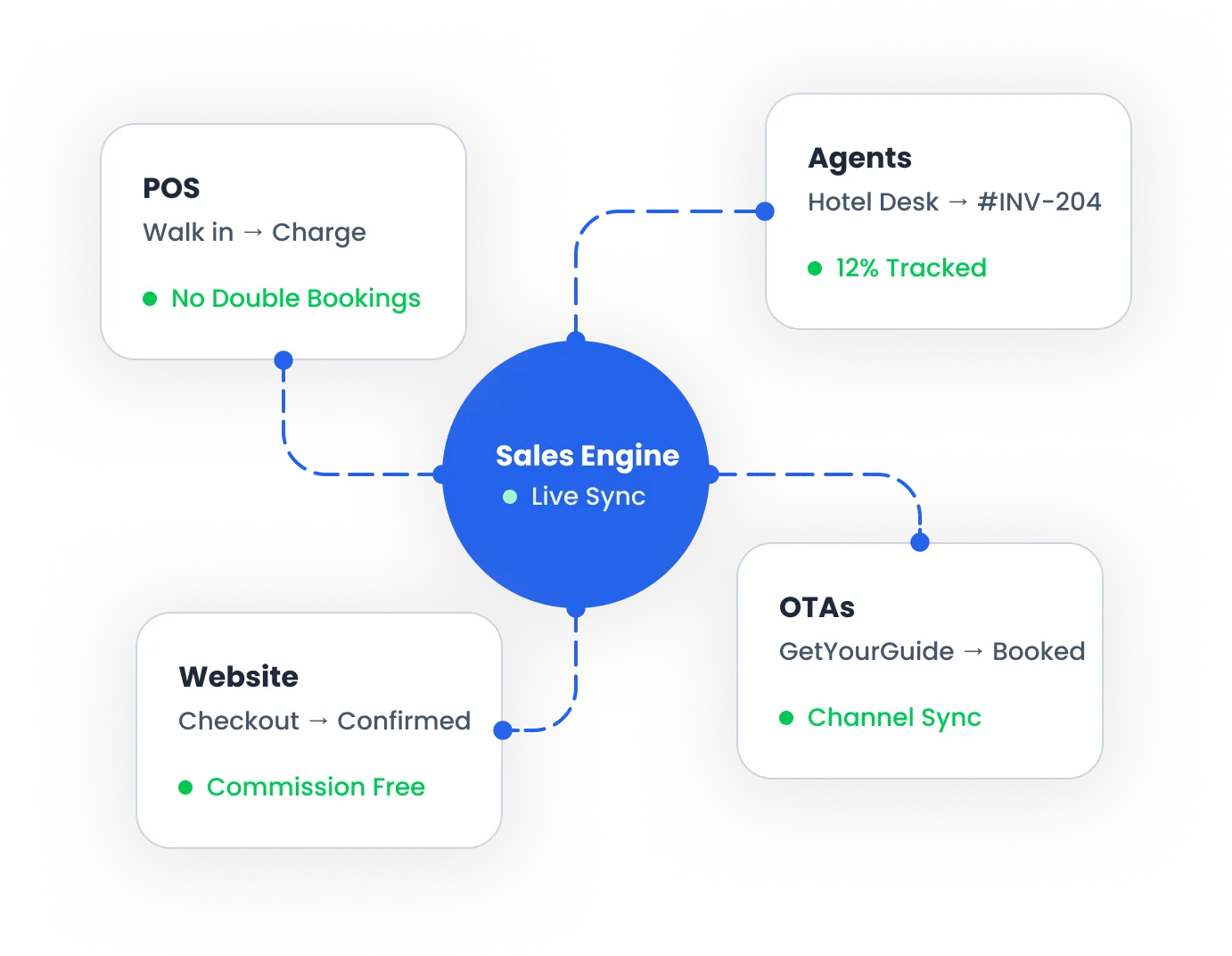
Keep one source of truth for capacity. When an OTA booking happens, it lands in Bloowatch automatically—alongside website, POS, and agent sales.
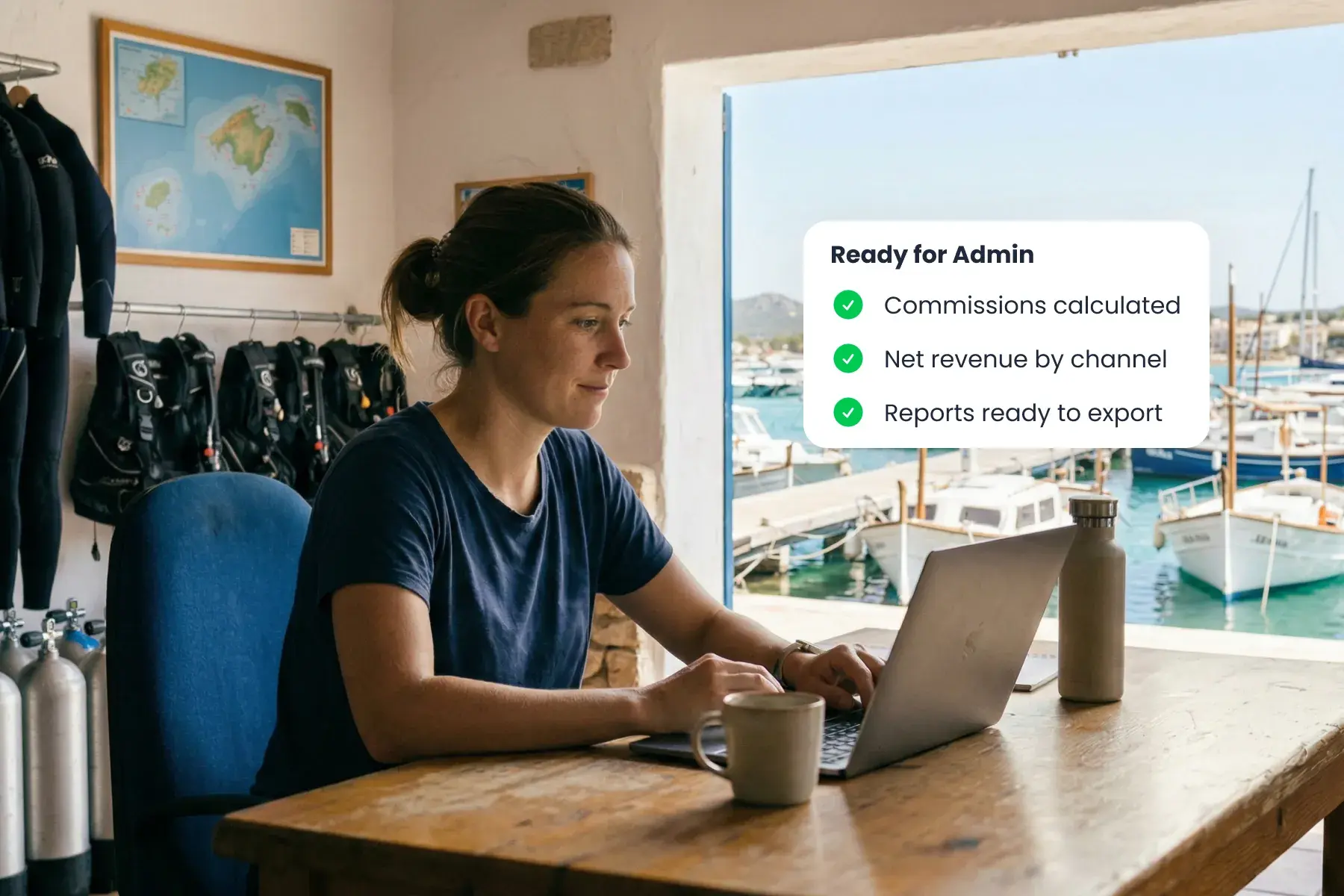
Commissions & Performance, Ready for Admin
Understand what each channel really brings in. Track commission impact, net revenue, and performance—then export what you need for payout checks and reconciliation.
More OTA revenue. Less admin. Full control.
No double entry
Increase visibility and sales
One shared calendar
Stop overbookings
Know your true profit
Frequently Asked Questions
Which OTAs are supported?
GetYourGuide, Viator, Expedia, Manawa, Google Things To Do, Civitatis, Musement, and 20+ others. Ask us for the current list based on your region and the channels you sell on.
Can I choose which activities I sell on each OTA?
Yes. You decide what gets published where—so you can list only the experiences that work best for marketplaces (e.g., single-session lessons, intro dives, guided trips) and keep everything else direct.
How do I sync my activities with GetYourGuide?
Connect your GetYourGuide account, then map each marketplace listing to the matching Bloowatch product/session. Once mapped, Bloowatch keeps availability aligned and imports GetYourGuide bookings into your calendar.
How do I sync my activities with Viator?
What syncs between Bloowatch and OTAs?
Availability/capacity and session scheduling are synced so all channels share the same inventory. OTA bookings are imported automatically into Bloowatch, so your team runs one operational calendar.
Does this replace the Bloowatch booking widget?
No. It complements direct bookings. OTAs can help customers discover you, while your website still converts repeat guests and locals—everything stays synced in one calendar. Visitors of OTAs can also discover you on those platforms and end up booking on your website.
Do OTAs support packs or multi-session courses?
Usually not. Most OTAs focus on single-date experiences. Bloowatch can still sell packs/courses on your website, POS, and agents on the same inventory, while OTA syncing focuses on single-session activities.
Will prices and commissions be the same on every OTA?
It depends on the channel. Some OTAs allow more pricing control than others, and commission structures vary. Bloowatch helps you see commissions and net revenue so you can decide where each experience makes the most sense.
Ready to Sync OTAs Without Overbooking?
Book a live walkthrough to see OTA sync, real-time availability, and auto-imported bookings—side-by-side with your website, POS, and agent sales in Bloowatch.
See Demo