Skip to content

Keep Staff, Gear, and Key Resources Perfectly in Sync

Coordinate instructors, vehicles/boats, and equipment across multi-session agendas without spreadsheets. Bloowatch links availability, skills, hours, and inventory status—so last-minute changes stay accurate across your school or center operations.

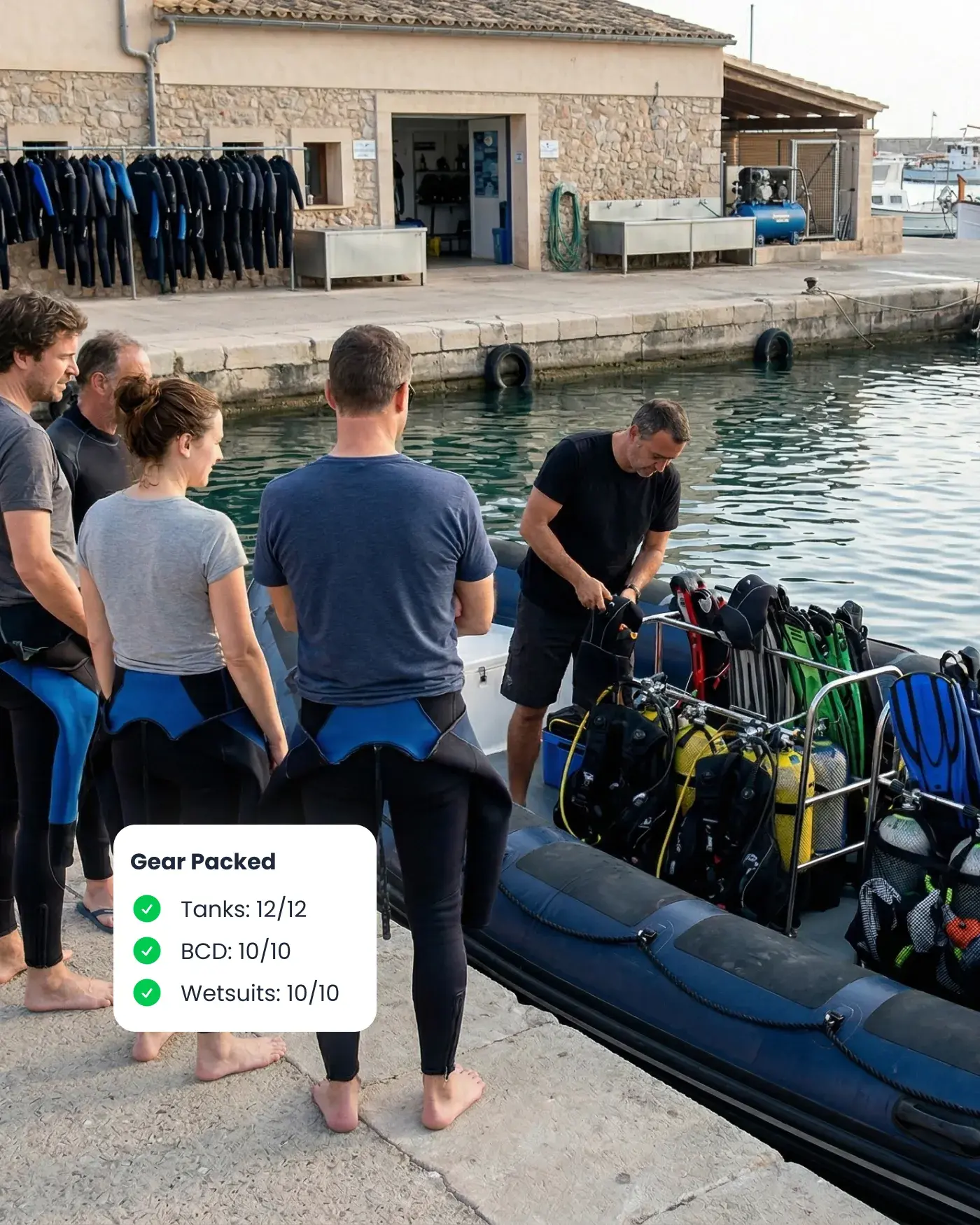
Dive center staff preparing gear beside a boat, with Bloowatch keeping staff, equipment, and key resources in sync.

Manual Resource Planning
Breaks at Peak

 When sessions overlap, gear runs short, a boat trip shifts, or weather forces changes, spreadsheets fail fast. Instructors need the right skills, boats and vehicles have fixed capacity, rentals must return on time, and maintenance windows matter. You need one system that updates everything together and prevents costly mistakes.

Team Scheduling & Roles

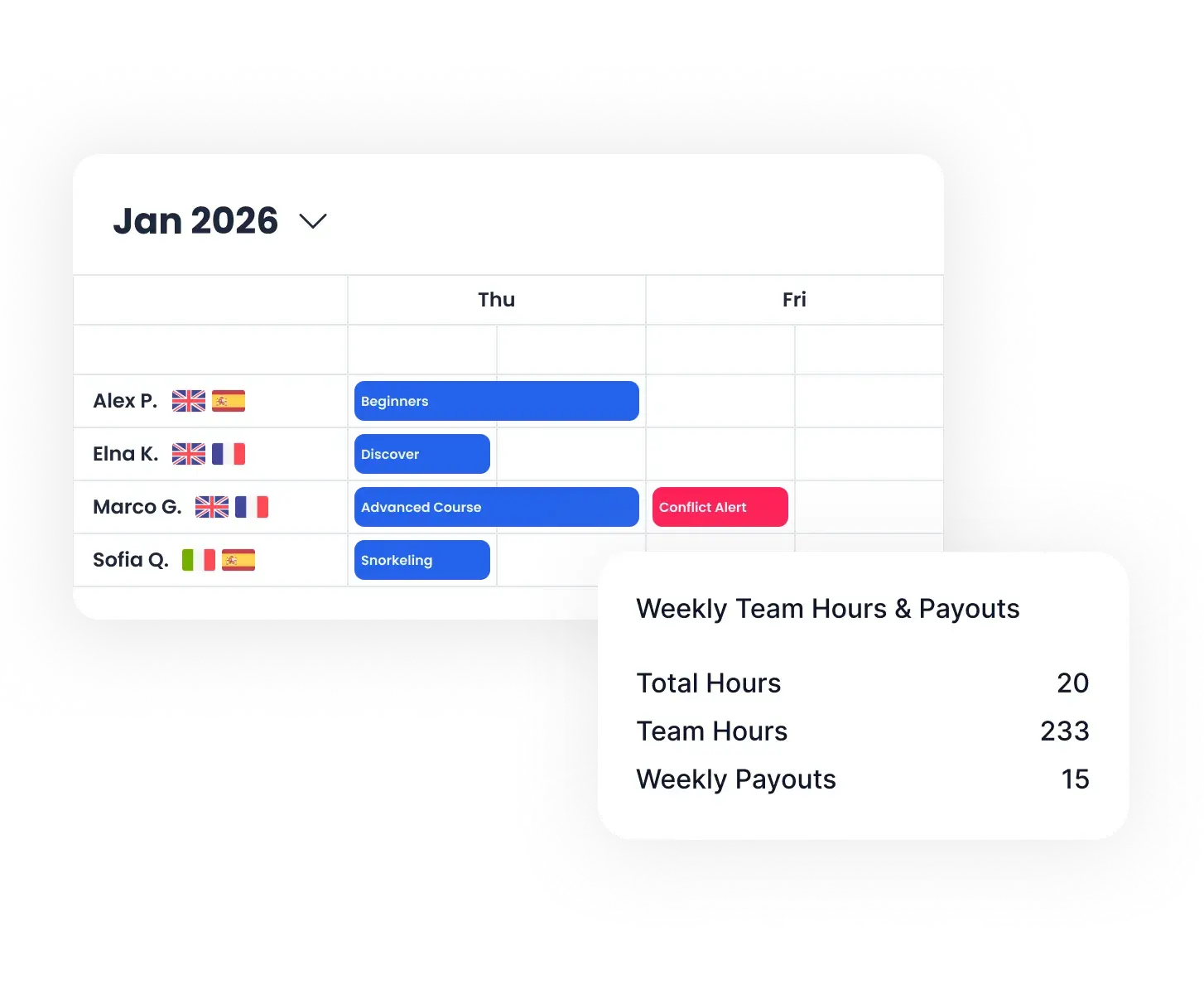
Assign instructors by skills, languages, and availability while preventing conflicts. Protect sensitive settings with role-based access. Track instructor hours and automate wage/fee rules so payouts match what actually happened on the agenda.

Check mark
Skills and language matching.
Check mark
Time-off + conflict checks.
Check mark
Hours & wage/fee tracking.
Check mark
Role-based access (mobile-friendly).
Bloowatch team scheduling view showing staff assignments, availability, roles, and weekly hours.
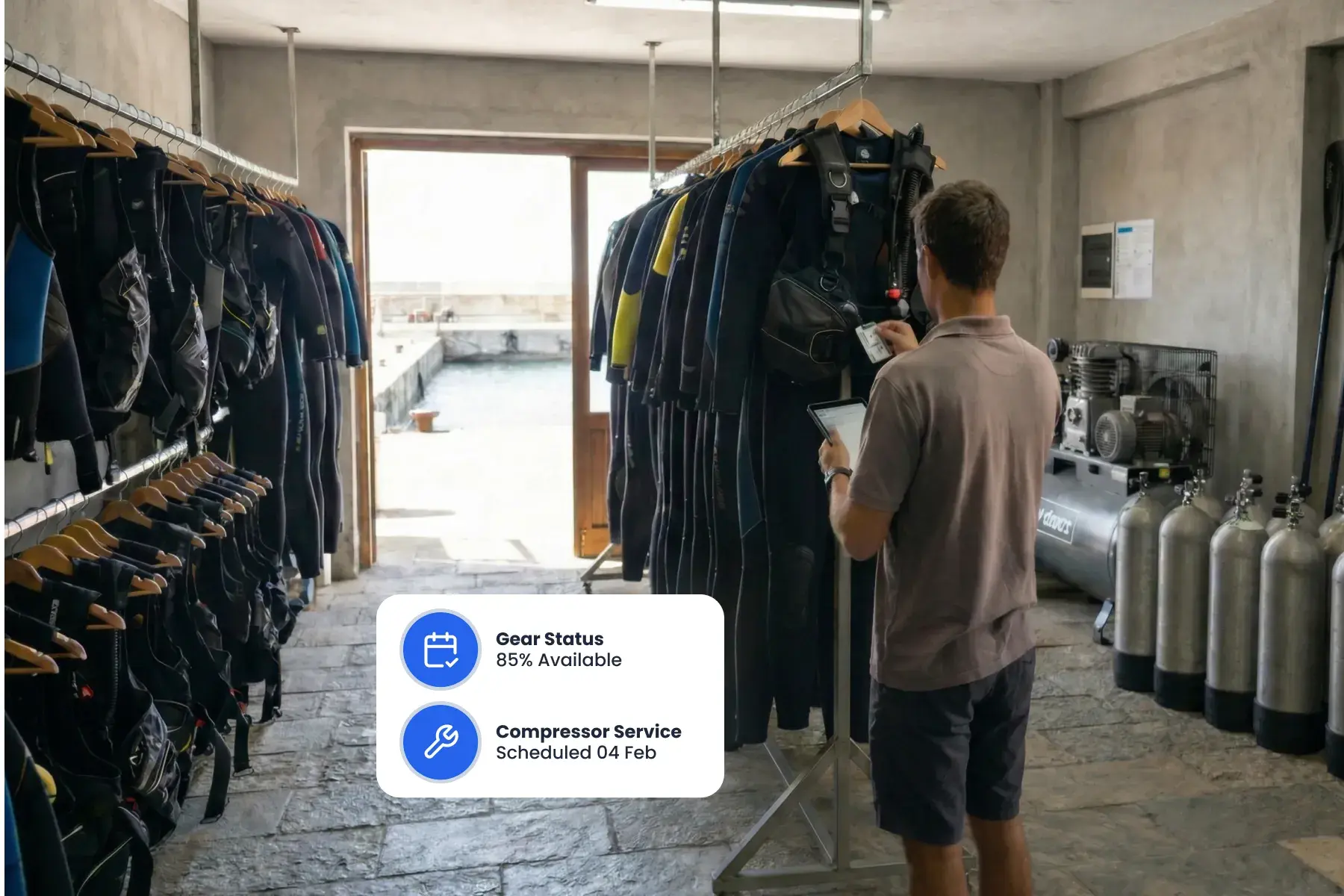
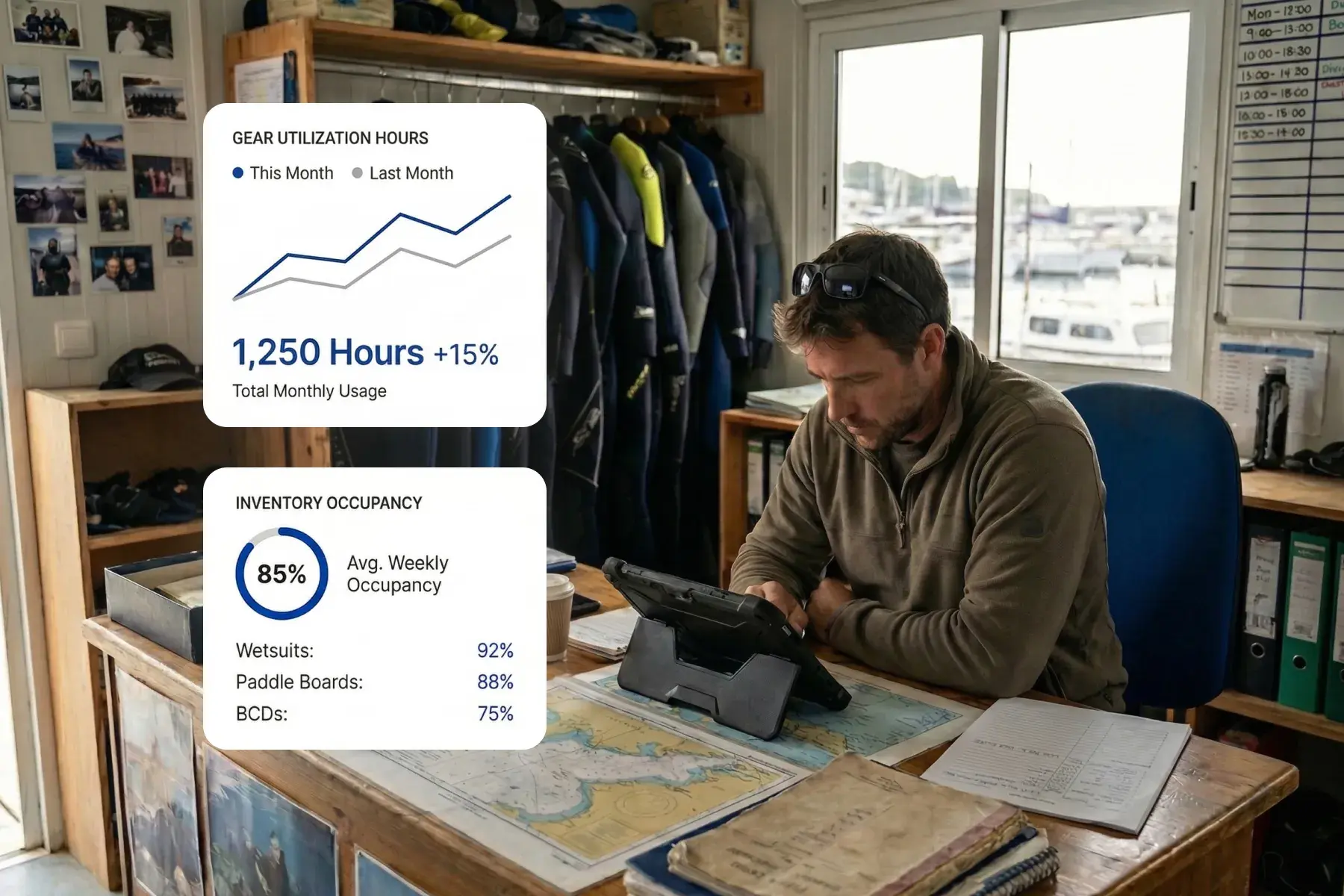
Staff member in the gear room using Bloowatch to track equipment availability, maintenance, and inventory status.

Smart Inventory & Maintenance

Track gear (equipment) by size/variant and status so availability stays accurate on busy days. Log purchase dates and revisions, plan service without surprises, and keep shop items organized in the same operational system when you sell alongside activities.

Check mark
Real-time gear & equipment availability.
Check mark
Service & inspection logs.
Check mark
Usage + ROI analytics.
Check mark
Retail POS with shop items inventory.

Boats, Vehicles, Rooms & Extra

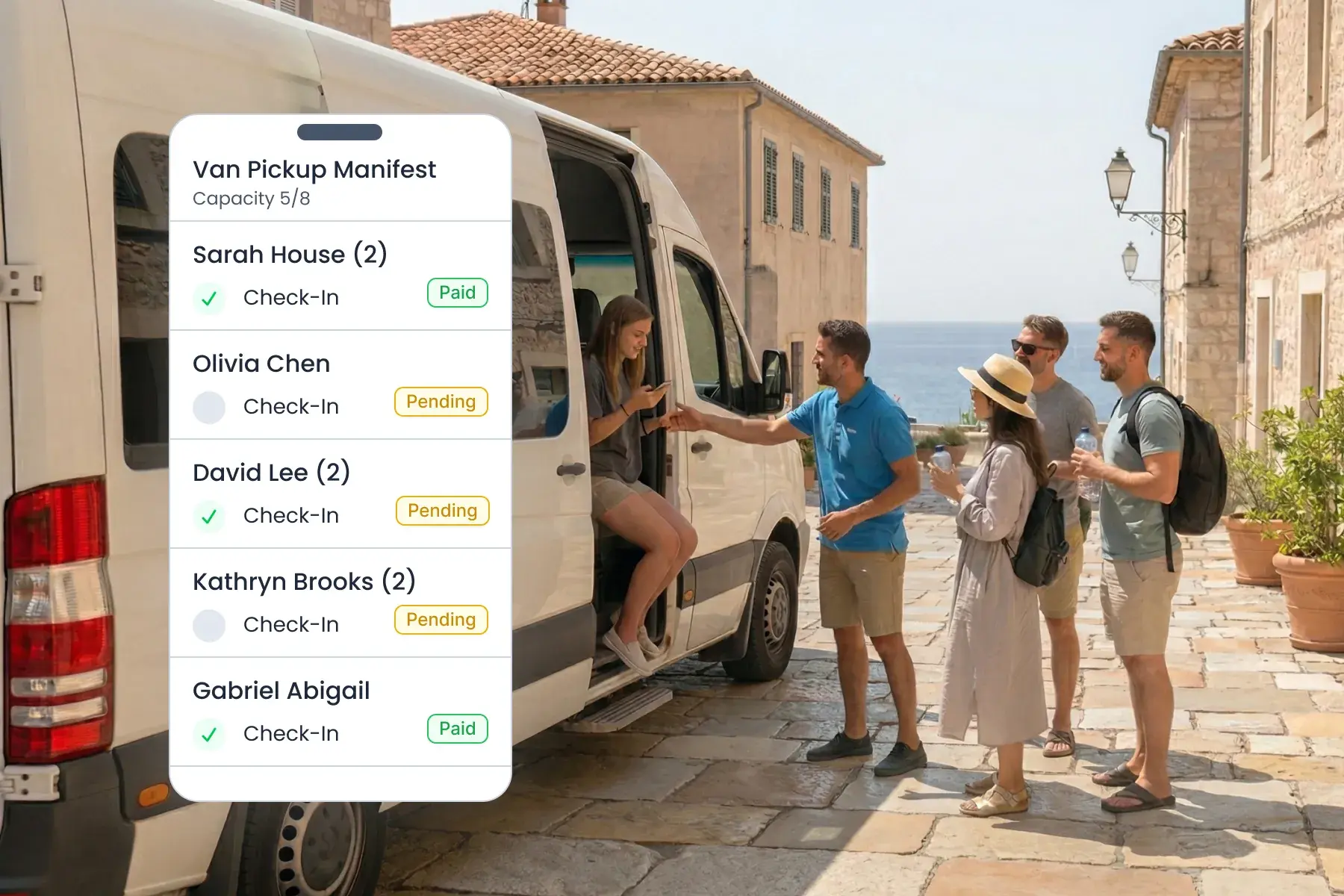
Manage the resources that create bottlenecks: dive boat trips, vans/shuttles for pickups, rooms for camps/resorts, and secondary items like lockers. Keep capacities visible and prevent double-booking when schedules get dense.
Check mark
Boat trip + capacity planning.
Check mark
Van/shuttle pickup resources.
Check mark
Accommodation units (shared/private rooms).
Check mark
Lockers + flexible “other resources” (e.g., moorings)
Bloowatch resource planning view showing vehicles, pickups, rooms, and extra resources assigned to operations.
Manager using Bloowatch analytics to review staff activity, resource usage, and operational performance.

Reporting & Utilization Analytics

Bloowatch captures detailed operational data day by day: staff hours and assignments, activity occupancy, gear usage, and resource capacity loads. Use this to spot peak constraints, improve planning, and invest with confidence.

Check mark
Staff activity & hours tracking (by period).
Check mark
Activity occupancy & capacity reporting.
Check mark
Gear utilization & availability trends.
Check mark
Load analysis across boats/trips, vehicles, and rooms.

Benefits

Fewer Scheduling Errors


Conflicts and double booking prevented automatically.

Faster Last-Minute Swaps


Update instructors and gear in seconds—without losing track of availability.

Higher Gear Utilization


See idle equipment and redeploy it quickly.

Clearer Permissions Control


Give each team member the right access, without exposing sensitive settings.

One Operations Hub


Activities, rentals, and shop stay connected in one workflow.


Run Operations with More Confidence

See how instructors, gear (equipment), rentals, and shop stay aligned across busy multi-session agendas—including boats, vehicles, and key resources.

See Demo