
Skip to content
Bloowatch

Keep Staff, Gear, and Key Resources Perfectly in Sync

Coordinate instructors, vehicles/boats, and equipment across multi-session agendas without spreadsheets. Bloowatch links availability, skills, hours, and inventory status—so last-minute changes stay accurate across your school or center operations.
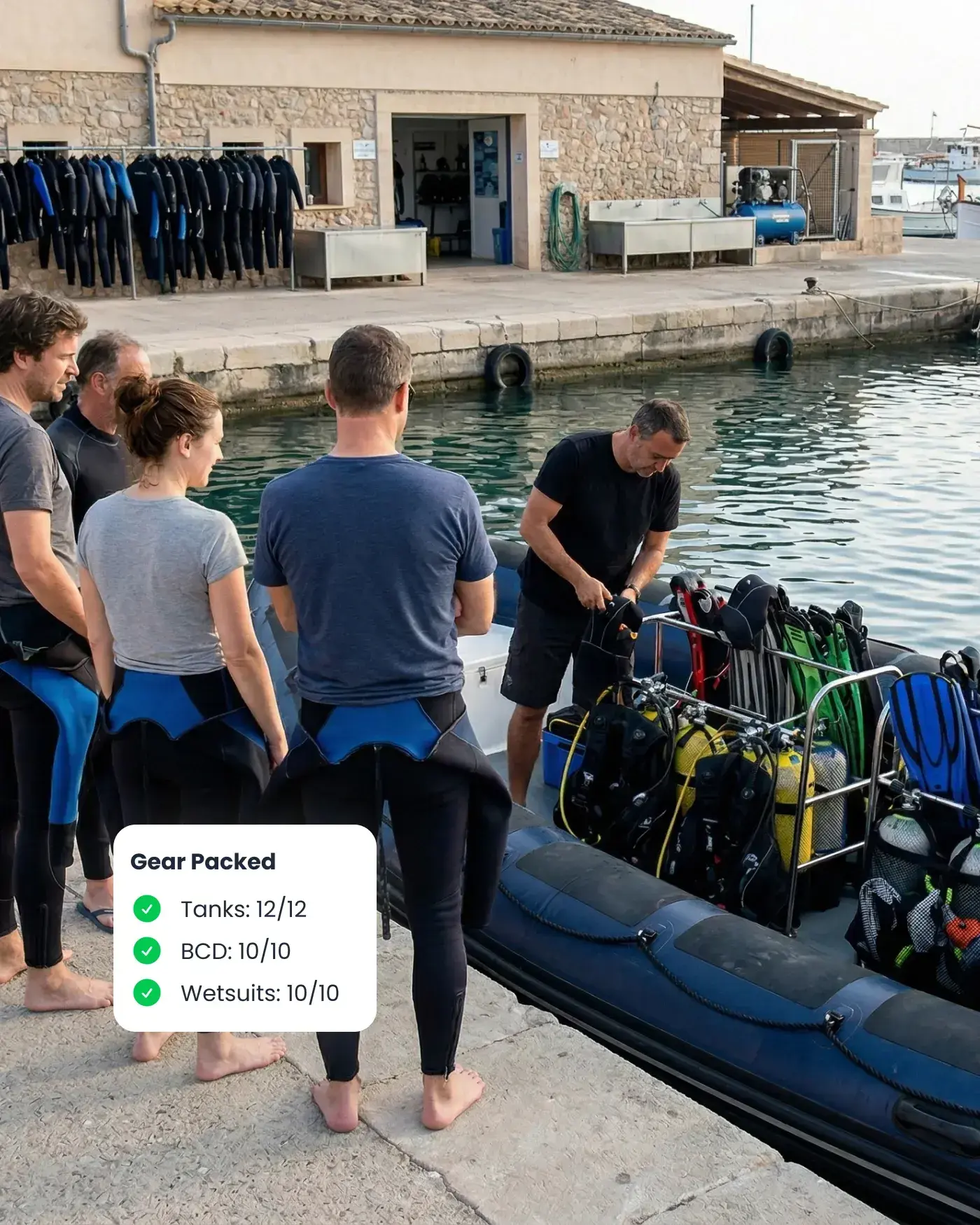
Dive center staff preparing gear beside a boat, with Bloowatch keeping staff, equipment, and key resources in sync.

Manual Resource PlanningBreaks at Peak

When sessions overlap, gear runs short, a boat trip shifts, or weather forces changes, spreadsheets fail fast. Instructors need the right skills, boats and vehicles have fixed capacity, rentals must return on time, and maintenance windows matter. You need one system that updates everything together and prevents costly mistakes.

Team Scheduling & Roles

Assign instructors by skills, languages, and availability while preventing conflicts. Protect sensitive settings with role-based access. Track instructor hours and automate wage/fee rules so payouts match what actually happened on the agenda.
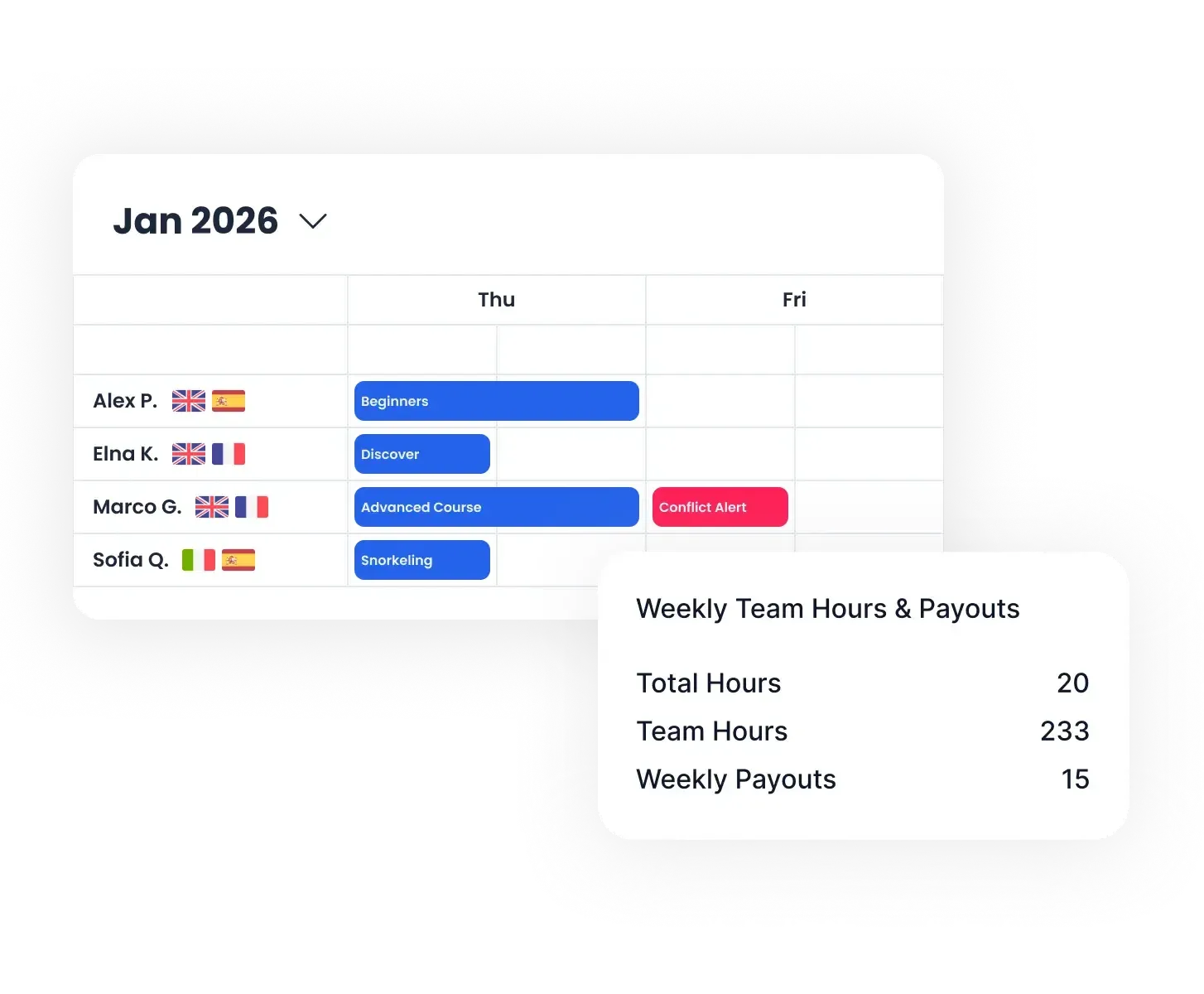
  • Skills and language matching.
  • Time-off + conflict checks.
  • Hours & wage/fee tracking.
  • Role-based access (mobile-friendly).
Bloowatch team scheduling view showing staff assignments, availability, roles, and weekly hours.

Smart Inventory & Maintenance

Track gear (equipment) by size/variant and status so availability stays accurate on busy days. Log purchase dates and revisions, plan service without surprises, and keep shop items organized in the same operational system when you sell alongside activities.
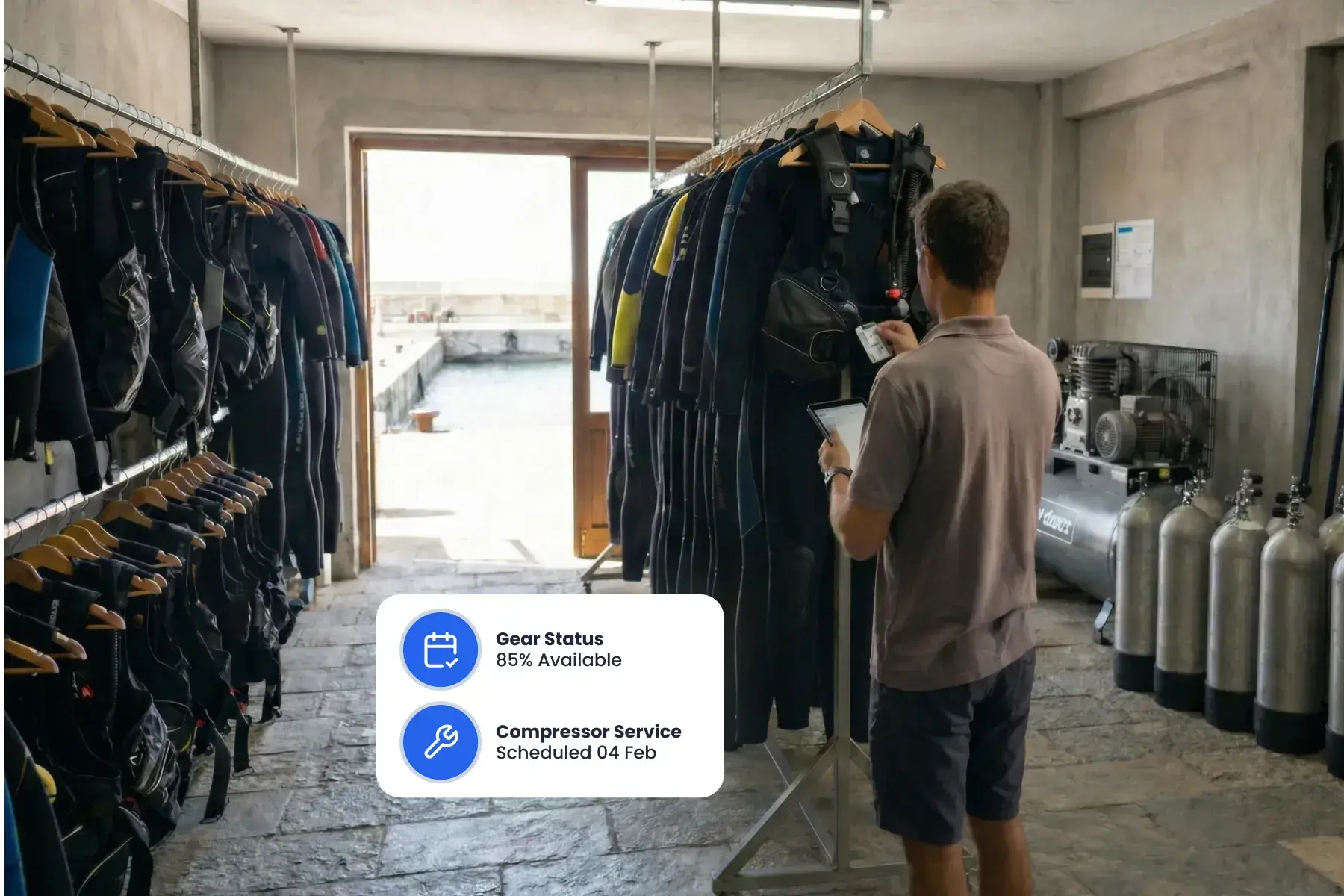
  • Real-time gear & equipment availability.
  • Service & inspection logs.
  • Usage + ROI analytics.
  • Retail POS with shop items inventory.
Staff member in the gear room using Bloowatch to track equipment availability, maintenance, and inventory status.

Boats, Vehicles, Rooms & Extra

Manage the resources that create bottlenecks: dive boat trips, vans/shuttles for pickups, rooms for camps/resorts, and secondary items like lockers. Keep capacities visible and prevent double-booking when schedules get dense.
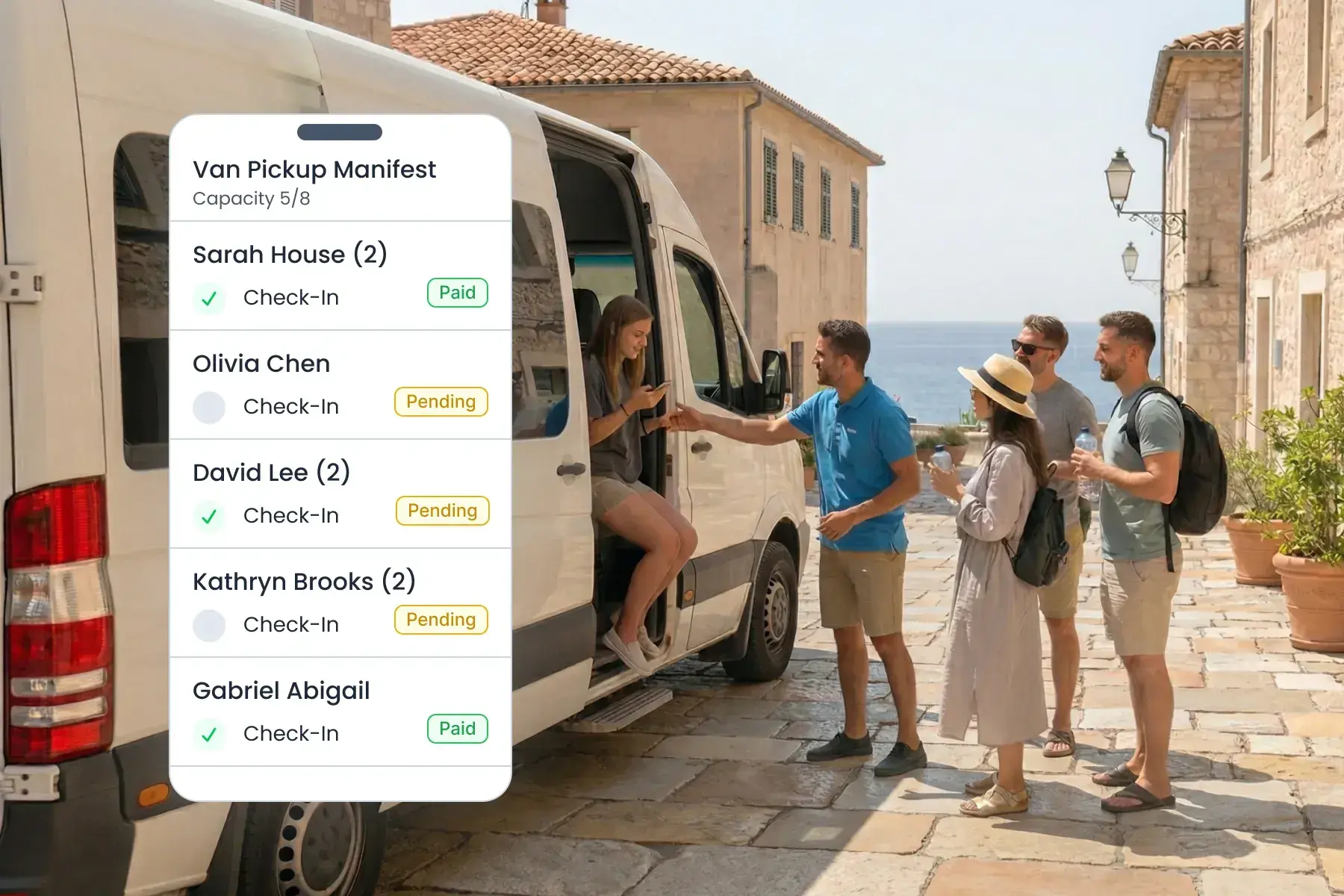
  • Boat trip + capacity planning.
  • Van/shuttle pickup resources.
  • Accommodation units (shared/private rooms).
  • Lockers + flexible “other resources” (e.g., moorings)
Bloowatch resource planning view showing vehicles, pickups, rooms, and extra resources assigned to operations.

Reporting & Utilization Analytics

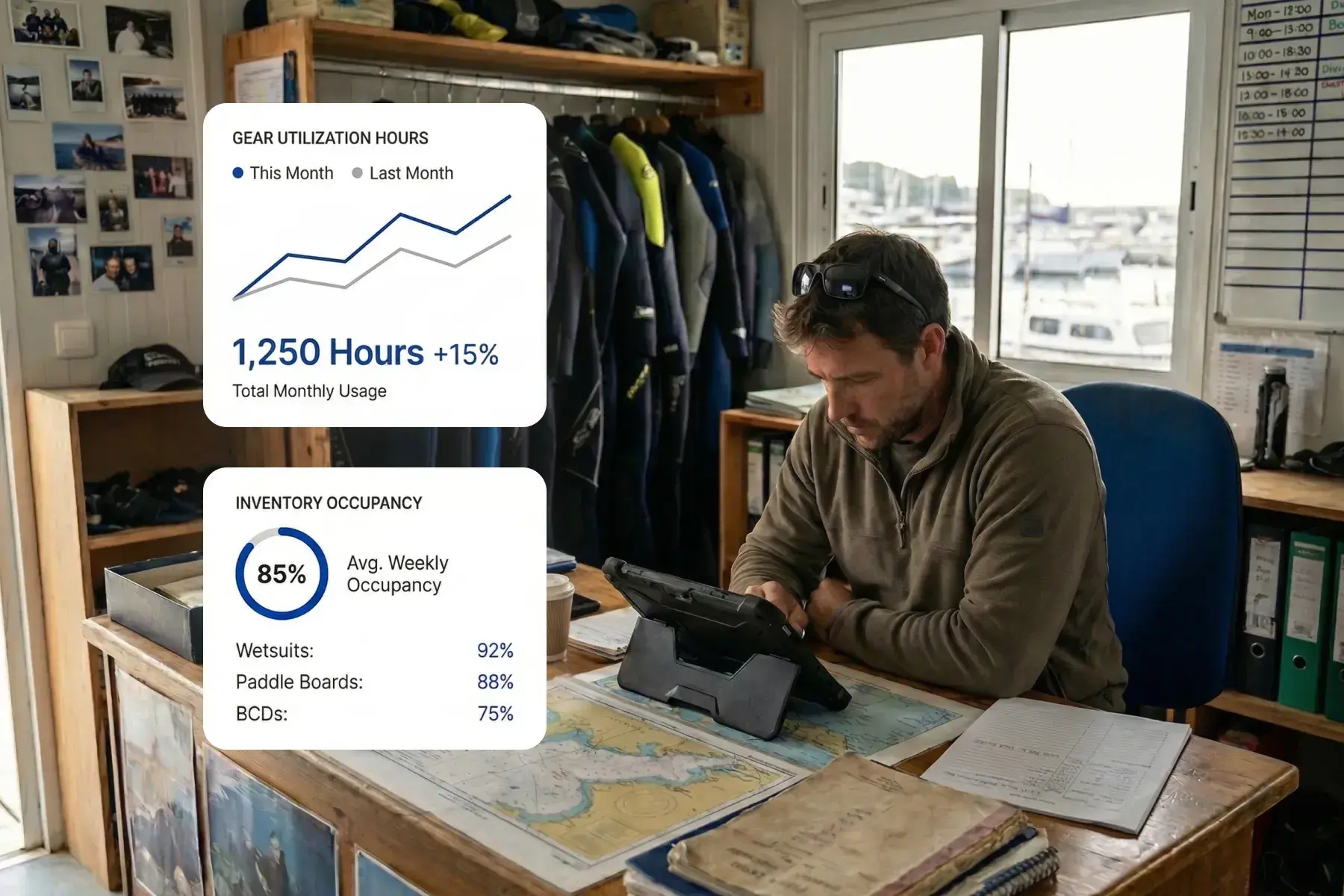
Bloowatch captures detailed operational data day by day: staff hours and assignments, activity occupancy, gear usage, and resource capacity loads. Use this to spot peak constraints, improve planning, and invest with confidence.
  • Staff activity & hours tracking (by period).
  • Activity occupancy & capacity reporting.
  • Gear utilization & availability trends.
  • Load analysis across boats/trips, vehicles, and rooms.
Manager using Bloowatch analytics to review staff activity, resource usage, and operational performance.

Benefits

Fewer Scheduling Errors

  • Conflicts and double booking prevented automatically.

Faster Last-Minute Swaps

  • Update instructors and gear in seconds—without losing track of availability.

Higher Gear Utilization

  • See idle equipment and redeploy it quickly.

Clearer Permissions Control

  • Give each team member the right access, without exposing sensitive settings.

One Operations Hub

  • Activities, rentals, and shop stay connected in one workflow.

Run Operations with More Confidence

See how instructors, gear (equipment), rentals, and shop stay aligned across busy multi-session agendas—including boats, vehicles, and key resources.